
Caffeine
Caffeine is a tiny free Windows utility from Zhorn Software that keeps your computer awake and stops the screen from locking or sleeping.
306.0 KB

Unlocker is a free Windows utility by Cedrick Collomb that frees files and folders locked by other processes so you can delete, move or rename them.
Average 0.0 · ratings: 0
Thank you! Your rating is saved; you can change it. Could not save the rating. Please try again later. Too many ratings from your network today. Please try again tomorrow. The average appears after 5 ratings.
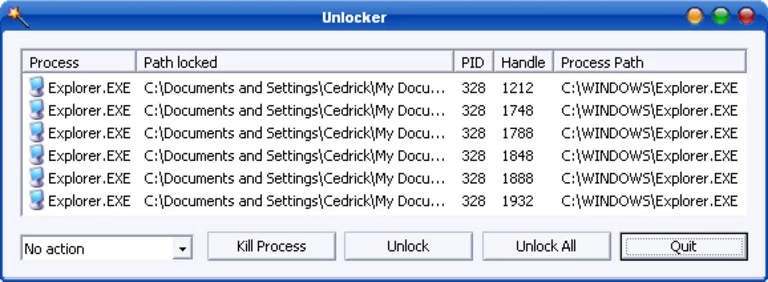
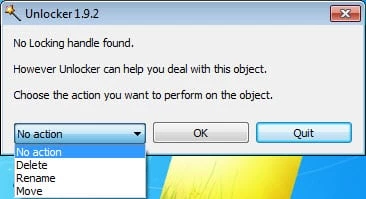
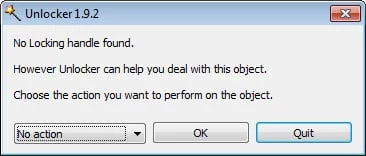
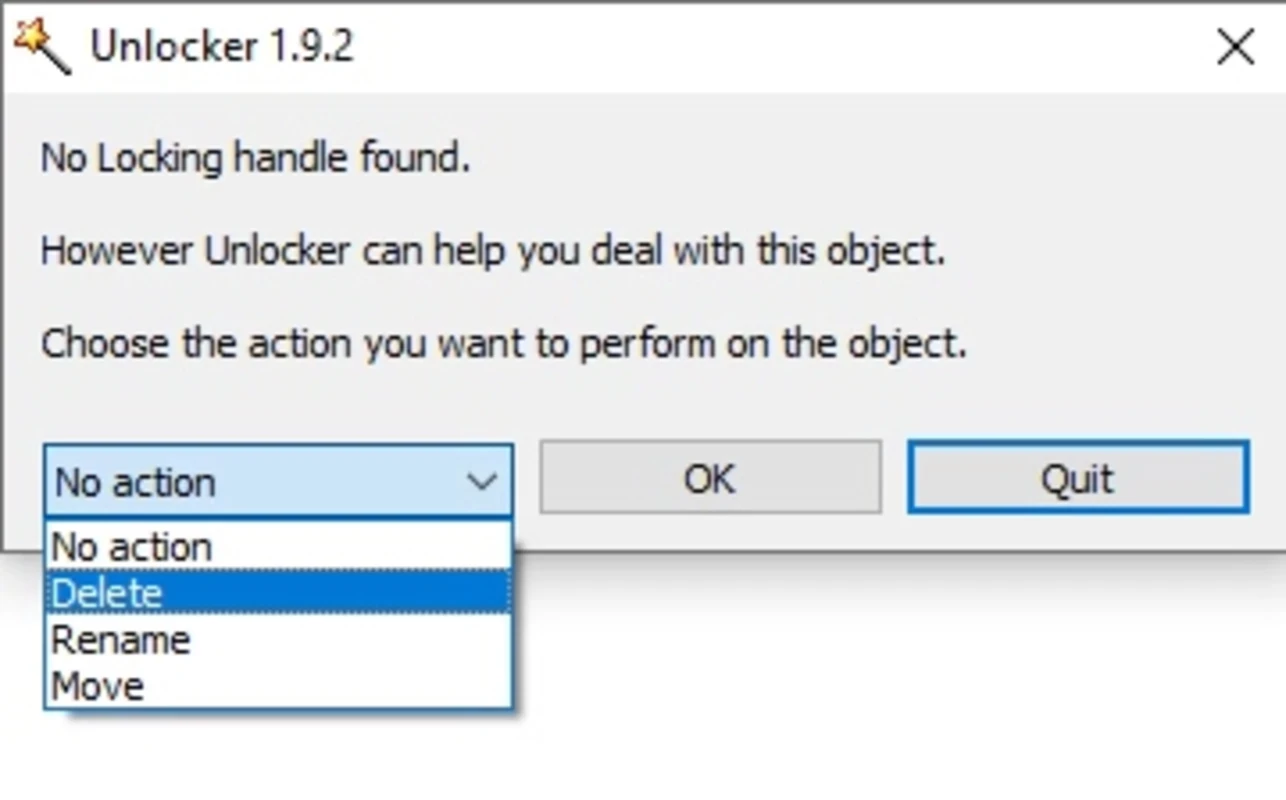
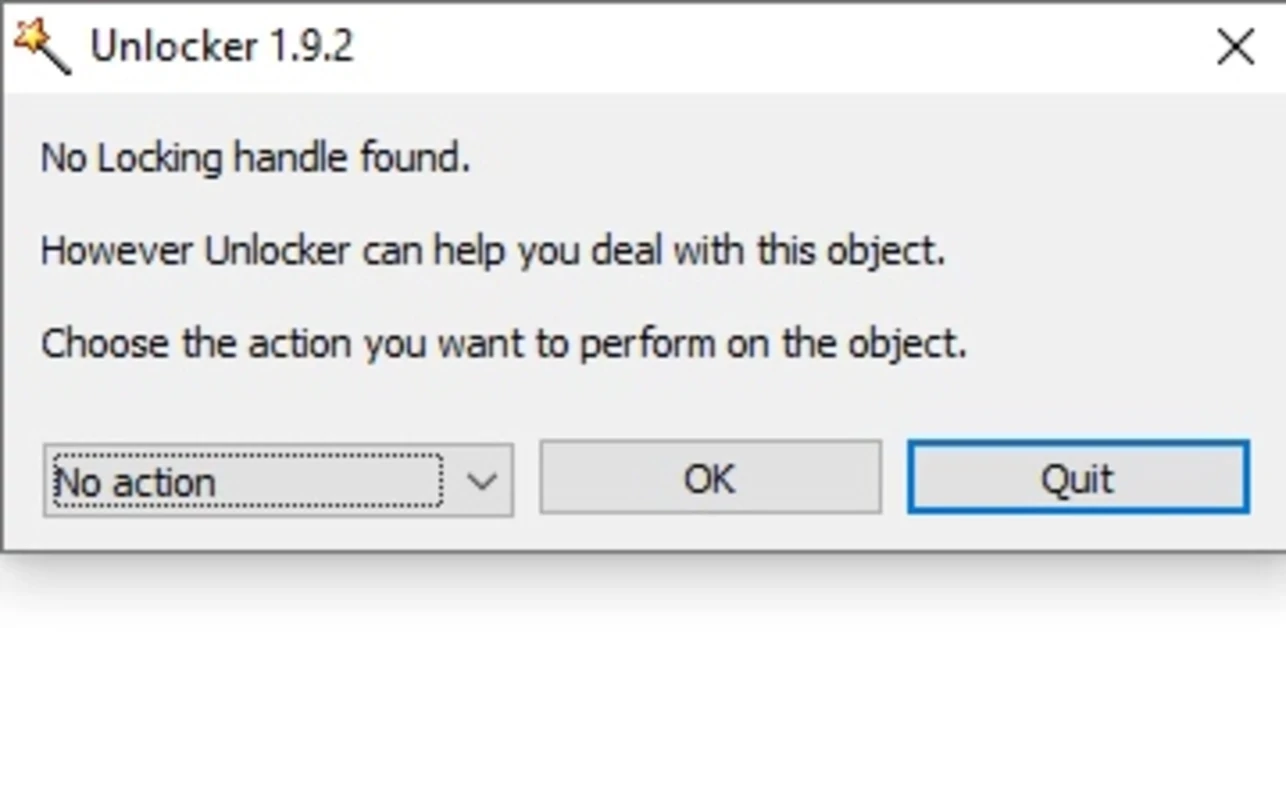
Unlocker 1.9.2 is a free file utility for Windows by Cedrick Collomb that frees files and folders locked by other programs. People download Unlocker for Windows when Explorer refuses to delete, move or rename something because it is "in use by another program"; note that the last version dates from 16 May 2013.
Windows prevents changes to a file while a process holds it open. Usually that is sensible, but sometimes the lock stays after the program is closed, or it is hard to tell which process holds it: a background service, a hung Explorer window or a program that crashed. Unlocker shows which processes lock the file and offers to release the handles, kill the process, or perform the action you wanted, such as delete, rename or move. If nothing works right away, it can schedule the action for the next restart, when the lock no longer exists. The tool integrates into the right-click menu in Explorer, so it is always at hand. It first appeared on 24 April 2005 and was popular for many years on Windows XP and Windows 7.
Wikidata lists support for Windows 2000, XP, Server 2003, Vista and Windows 7. Since no new version has been released since 2013, compatibility with newer Windows versions is not guaranteed; some users run it, others meet errors. Test it carefully and keep a backup of important data.
The tool itself does what it says, but installers of this utility have carried third-party offers, and repackaged copies on download sites may contain adware. Read every screen. Also be careful with what you unlock: killing a system process or deleting a file that Windows needs can make the system unstable.
A Windows PC; the program is tiny, about 0.99 MB according to catalogue data. Administrator rights are needed to release locks held by other users' processes.
Yes, Unlocker is freeware.
Often a restart is enough to release a stubborn lock. You can also open Resource Monitor from Task Manager, search for the file name under associated handles and close the process that holds it.
For system cleaning and tweaking, our site also lists CCleaner, Advanced SystemCare Free and Mem Reduct.
Caffeine is a tiny free Windows utility from Zhorn Software that keeps your computer awake and stops the screen from locking or sleeping.
Windows 10 Update Assistant is a free Microsoft tool that updates a Windows 10 PC to the latest feature update without waiting for Windows Update.

Mem Reduct is a tiny open-source Windows utility by Henry++ that shows memory usage in the tray and frees RAM on demand or automatically.

Advanced SystemCare Free is a Windows optimisation suite from IObit that cleans junk files, manages startup items and monitors resource use.

MSI Kombustor is a free graphics card stress test and benchmark from MSI, used together with MSI Afterburner to check stability.

GS Auto Clicker is a tiny free Windows program from goldensoft that clicks the mouse automatically at a set interval, started and stopped with a hotkey.

CCleaner is Piriform's utility suite for removing temporary files and cleaning up Windows. The free edition covers basic cleaning.

Custom Resolution Utility (CRU) is a tiny free Windows tool by ToastyX for adding custom resolutions and refresh rates to monitors.